Glass UI: A Beautiful Design System with Universal Background Support
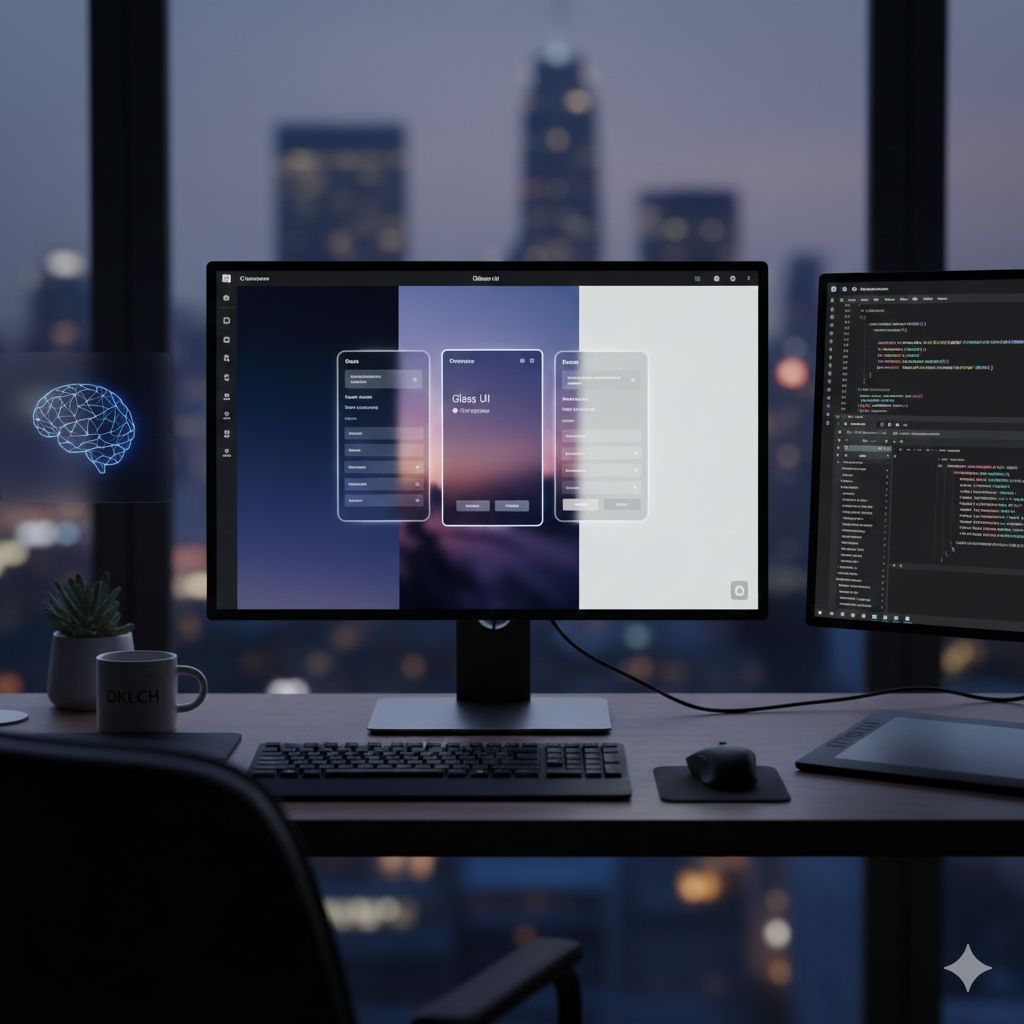
Glass UI is a design system and component library that captures the beautiful glass aesthetic—inspired by Apple's design language—while staying developer-friendly, accessible, and easy to integrate. Built from scratch using modern web technologies, it solves the challenge of making glassmorphism work across both light and dark themes, even on pure white backgrounds.
Overview
Glass UI is a design system and component library that captures the beautiful glass aesthetic—inspired by Apple's design language—while staying developer-friendly, accessible, and easy to integrate.
Built from scratch using modern web technologies, it solves the challenge of making glassmorphism work across both light and dark themes, even on pure white backgrounds.
The library is the first in the Chitra UI ecosystem—a collection of themed component registries exploring different design languages, all sharing the same foundation of design tokens, accessibility rules, and consistency.
Features
Glassmorphic Components — Beautiful glass effects with subtle blur, soft glow, and depth
Universal Background Support — Works on dark gradients, images, and even pure white UIs
Shadcn UI Registry — Installable components that users can pull directly into their projects
OKLCH Color System — Predictable contrast ratios for better accessibility
Light & Dark Themes — Glass effects visible and beautiful across both themes
Layered Gradients — Sophisticated background layering for visual depth
Reflection Overlays — Subtle reflection effects for realistic glass appearance
Controlled Blur — CSS backdrop-filter with optimized intensity
Edge Definition — Inset shadows for clear component boundaries
TypeScript + React — Fully typed, scalable component development
Technologies Used
Component Registry: Shadcn UI
Styling: TailwindCSS with custom themes
Color System: OKLCH for predictable contrast ratios
Framework: React with TypeScript
CSS Features: Backdrop filters, gradients, and advanced styling
The Challenge
The biggest challenge wasn't writing code—it was making the glass effect visible across both light and dark themes. Glassmorphism typically depends on blur, light diffusion, and semi-transparency, which often fail on solid-color backgrounds.
The solution involved layered gradient backgrounds, subtle reflection overlays, controlled blur intensity (backdrop-filter), and slight inset shadows for edge definition.
These 'small visual hacks' make a huge difference when you see them live.
“The solution involved layered gradient backgrounds, subtle reflection overlays, controlled blur intensity, and slight inset shadows for edge definition.”
Links
Live Demo: https://glass-ui.crenspire.com